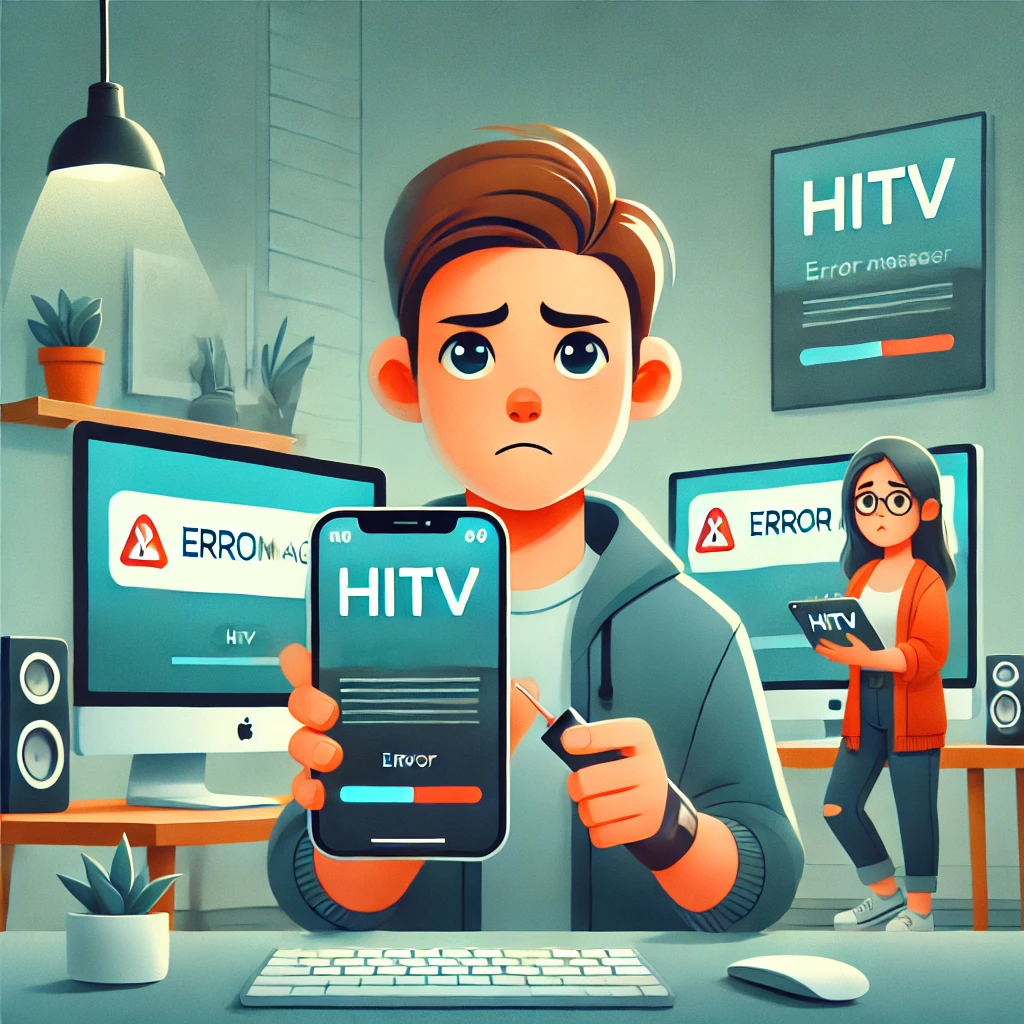
My HiTV App Is Not Working: Troubleshooting Guide for iOS, Mac, and Desktop
HiTV is a popular streaming app that allows users to watch Korean movies, dramas, and TV shows. However, like any other app, هيتف can sometimes run into issues, especially on iOS devices (iPhone & iPad), Mac computers, and desktop setups. If you are facing problems such as the app not opening, crashing, buffering, or freezing, this troubleshooting guide will help you resolve them.
Common HiTV App Issues
Before diving into specific fixes, let’s go over some common problems users encounter with the HiTV app:
- App Crashing on Launch – The app closes immediately after opening.
- Black Screen Issue – The screen turns black and remains unresponsive.
- Buffering or Lagging – Videos take too long to load or frequently pause.
- Login Problems – You are unable to sign in to your account.
- No Sound or Video Playback Issues – The video plays without sound or doesn’t load at all.
- App Not Updating – You are unable to install the latest version of the HiTV app.
Now, let’s explore the possible solutions for these issues based on the device you’re using.
Troubleshooting HiTV Issues on iOS (iPhone & iPad)
Check for App Updates
If your HiTV app is outdated, it may not function properly. To check for updates:
- Open the App Store.
- Tap on your profile icon at the top right.
- Scroll down to see if an update for HiTV is available.
- If an update is available, tap Update.
Restart Your iPhone or iPad
A simple restart can fix minor software glitches:
- Press and hold the power button until you see the slide to power off option.
- Slide to turn off your device.
- Wait for a few seconds, then turn it back on and check if the HiTV app works.
Clear Cache and Data
If HiTV keeps crashing or freezing, clearing its cache can help:
- Go to Settings > General > iPhone Storage.
- Find هيتف in the list and tap on it.
- Tap Offload App (this removes temporary data but keeps your settings).
- Reinstall HiTV from the App Store.
Check Internet Connection
A slow or unstable internet connection can cause buffering and loading issues:
- Try switching between Wi-Fi and mobile data.
- Restart your Wi-Fi router.
- Run a speed test to ensure your internet is fast enough for streaming.
Reinstall the HiTV App
If none of the above methods work, uninstalling and reinstalling the app might fix the issue:
- Tap and hold the HiTV app until it wiggles.
- Tap Delete App and confirm.
- Reinstall HiTV from the App Store.
Check for iOS Updates
Sometimes, outdated iOS versions can cause app malfunctions:
- Go to Settings > General > Software Update.
- If an update is available, install it and restart your device.
Troubleshooting HiTV Issues on Mac
Restart Your Mac
Restarting your Mac can clear temporary system glitches:
- Click the Apple menu in the top-left corner.
- Select Restart and wait for your Mac to reboot.
Check for macOS Updates
If your macOS is outdated, HiTV may not work properly:
- Click the Apple menu > System Settings > Software Update.
- If an update is available, install it.
Clear Browser Cache (If Using Web Version)
إذا كنت تستخدم HiTV عبر متصفح ويب ، فقم بمسح ذاكرة التخزين المؤقت لتحسين الأداء:
- افتح سفاري/كروم.
- Go to التفضيلات > الخصوصية > إدارة بيانات الموقع.
- انقر أزل الكل.
- أعد تشغيل المتصفح وحاول مرة أخرى.
Reinstall the HiTV App (If Using the App Version)
إذا كان تطبيق HiTV نفسه لا يعمل:
- افتح الباحث > التطبيقات.
- حدد موقع هيتف ونقله إلى قمامة.
- قم بتنزيله وإعادة تثبيته من الموقع الرسمي.
Check Firewall and Security Settings
في بعض الأحيان، تمنع إعدادات أمان macOS التطبيقات من العمل بشكل صحيح:
- Go to إعدادات النظام > الخصوصية والأمان.
- ضمان يسمح HiTV تحت أذونات التطبيق.
Troubleshooting HiTV Issues on Desktop (Windows PC)
Restart Your Computer
إعادة تشغيل جهاز الكمبيوتر الخاص بك يمكن إصلاح الأخطاء البرمجية الصغيرة.
Update Your Browser
إذا كنت تستخدم HiTV في متصفح ، فتأكد من تحديثه:
- افتح كروم/الحافة/فايرفوكس.
- Go to الإعدادات > حول وتحديث المتصفح الخاص بك.
Disable VPN or Proxy
تتداخل بعض شبكات VPN أو الوكلاء مع خدمات البث. حاول تعطيلها وإعادة تحميل HiTV.
Check for Windows Updates
إذا كان نظامك قديمًا ، فقد يتسبب ذلك في تعطل HiTV:
- Go to الإعدادات > التحديث والأمان > Windows تحديث.
- تثبيت أي تحديثات معلقة.
Reinstall HiTV App (If Using the App)
إذا كان تطبيق HiTV لا يعمل على Windows:
- إلغاء تثبيت التطبيق عبر لوحة التحكم > البرامج > إلغاء تثبيت برنامج.
- إعادة تثبيته من موقع HiTV الرسمي.
Additional Fixes If HiTV Still Isn’t Working
Check Server Status
إذا كانت HiTV منخفضة على مستوى العالم ، فلا يوجد شيء يمكنك القيام به سوى الانتظار. تحقق من الانقطاعات على مواقع مثل مكتشف.
Contact HiTV Support
إذا استمرت المشكلة ، فاتصل بدعم عملاء HiTV للحصول على المساعدة.
Use an Alternative Device
إذا لم يكن HiTV يعمل على جهازك الأساسي ، فحاول استخدام جهاز آخر لتحديد ما إذا كانت المشكلة خاصة بالأجهزة.
Conclusion
قد يواجه تطبيق HiTV مشكلات على iOS و Mac وسطح المكتب ، ولكن يمكن إصلاح معظم المشكلات بخطوات بسيطة لاستكشاف الأخطاء وإصلاحها مثل تحديث التطبيق أو مسح ذاكرة التخزين المؤقت أو إعادة تثبيت التطبيق أو التحقق من اتصالك بالإنترنت. إذا استمرت المشكلة ، فقد يكون من الضروري التحقق من حالة الخادم أو الاتصال بالدعم. مع هذه الحلول ، يجب أن تكون قادرًا على الاستمتاع بالبث المتواصل على HiTV مرة أخرى!
أخبرنا في التعليقات إذا وجدت هذا الدليل مفيدًا!
الأسئلة الشائعة
لمَ يستمرّ تطبيق (هي تي في) بالتحطّم على جهازي؟
وكثيراً ما يكون هذا مرتبطاً بنسخة تطبيقية قديمة، أو عدم كفاية ذاكرة الأجهزة، أو بكش فاسد. إن تحديث تطبيقه وتوضيح مخبأه خطوات أولى معقولة.
لمَ (هيتي في) يُعيق أو يتفاخر أثناء العزف؟
وعادة ما يكون الفرز متصلا بالشبكة، ولكن يمكن أيضا أن يسهم مخبأ للتخزين الكامل أو جهاز زائد من الحمولة. التحقق من سرعة اتصالك وتنظيف كيتش يستحق المحاولة أولا.
لماذا لا أستطيع أن أسجل في حسابي؟
يؤكدون أنكم تدخلون وثائق التفويض الصحيحة للحساب المربوط بهذا التطبيق المحدد، لأن مشاكل قطع الأشجار تنشأ أحياناً عن استخدام تطبيق مختلف باسم " هي تي في " مما وقعتم عليه أصلاً.
هل إعادة تركيب التطبيق يصلح معظم القضايا؟
وهو يحل العديد من المشاكل المشتركة، ولا سيما المشاكل الناجمة عن وجود ملفات فاسدة أو متقادمة، ولكنه لن يصلح مسائل خاصة بالحسابات أو جانب الخادم.
ماذا يجب أن أتحقق قبل الاتصال بالدعم؟
وتأكيداً على تحديث تطبيقك، فإن جهازك يفي بالمتطلبات الدنيا، وقد حاولت إعادة التشغيل. جعل هذه التفاصيل جاهزة يعجل أي محادثة دعم.
أيمكن أن أستخدم تطبيقاً مختلفاً لـ (هي تي في) على ما تم تركيبه أصلاً؟
ومن الممكن. عدة تطبيقات تتقاسم اسم (هي تي في) من مطورين مختلفين لذا تأكيد اسم المطور في قائمة طلباتك يمكن أن يستبعد هذا

